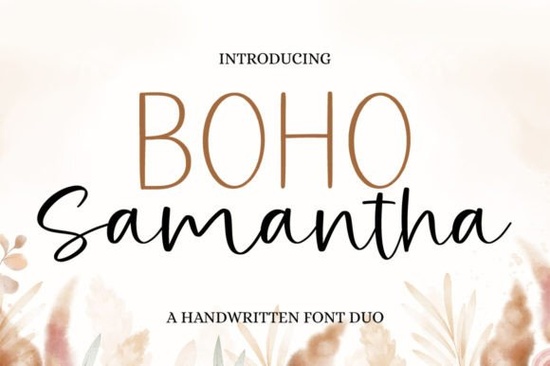
Finding the right lettering for your handmade goods or print-on-demand shop often comes down to balancing readability with personality. The Boho Samantha Font offers a practical solution for creators who need a chic, approachable look without sacrificing professional polish. It includes two complementary styles that work beautifully together or on their own, making it a reliable choice for everything from wedding stationery to small business packaging.
What makes a script typeface useful for everyday crafting?
When you are designing merchandise or custom gifts, you need lettering that feels personal but remains easy to read. A good script should mimic natural handwriting while keeping the spacing consistent. This particular set gives you a flowing script paired with a clean secondary style. Having two matching styles means you can use the elaborate script for main titles and the simpler companion font for subheadings or contact details. This prevents your design from looking cluttered.
For print-on-demand sellers, having a versatile typeface means you can adapt to different seasonal trends without constantly buying new assets. If you are putting together journaling and writing book templates, pairing a decorative header with a highly legible secondary font ensures the final printed product is actually usable and easy for customers to read.
How do you access extra swashes without expensive software?
One of the biggest frustrations for hobbyists and small business owners is buying a beautiful font, only to realize the fancy swashes and alternate characters are locked behind professional design programs. This font is PUA encoded, which solves that problem entirely.
This means every single glyph, swirl, and alternate character is fully accessible through standard character map tools on both Windows and Mac. You do not need advanced graphic design skills to add a custom flourish to the end of a word. You can simply copy and paste the extra details directly into basic tools like Canva, Word, or Cricut Design Space. If you ever want to explore other options for your projects, browsing through different boho script styles can give you fresh ideas for seasonal promotions. Similarly, if your current project requires a more nature-focused vibe, you might look into floral-inspired lettering to match a botanical theme.
Which projects work best with this kind of lettering?
The relaxed, cheerful vibe of this lettering style fits perfectly into several popular crafting and small business niches. Here are a few ways creators typically use it:
- Wedding and Event Stationery: The flowing curves look elegant on invitations, welcome signs, and menu cards.
- Apparel and Tote Bags: The bold script reads well from a distance, making it ideal for t-shirt graphics and canvas bags.
- Product Packaging: Small businesses use it for thank-you cards, custom tissue paper, and sticker sheets.
- Educational Materials: While it is a decorative font, the simpler companion style can be paired with cursive handwriting practice sheets to create engaging covers for kids' workbooks.
- Baby and Family Keepsakes: The soft, friendly aesthetic is a natural fit for milestone and celebration layouts, such as monthly baby photos or anniversary announcements.
How do you pair these fonts without overcrowding the design?
A common mistake when using decorative lettering is making every single word script. To keep your layout clean, let the main font do the heavy lifting. Use the script for the most important phrase like a brand name or a short quote and use the secondary font for the rest of the text.
Give the letters plenty of breathing room. Tight kerning can cause the swashes to overlap awkwardly, especially on smaller printed items like tags or labels. If the script is very thick, ensure your secondary font is lighter or has more spacing to create visual balance. Always test your design at the actual print size before sending it to production.
Quick Setup and Usage Checklist
- Install correctly: Unzip the downloaded folder and install both font files before opening your design software.
- Open the Character Map: On Windows, search for "Character Map" in the start menu. On Mac, use "Font Book" to view all hidden PUA-encoded glyphs.
- Test your swashes: Type out your word, then copy and paste a few alternate endings to see which one balances the overall shape best.
- Verify licensing: Always double-check the commercial use terms included in your download to ensure you are cleared to sell physical products.
- Check print sizes: Print a quick paper draft if you are making physical products to ensure the thinnest parts of the script do not fade during the printing process.
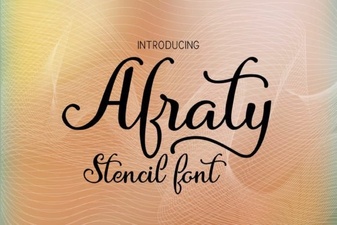 Afraty Stencil Font for Graphic Design Projects
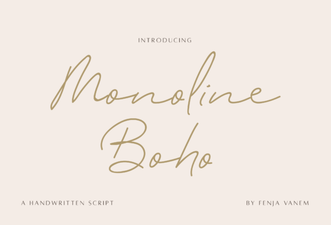 Design with Creative Monoline Boho Fonts
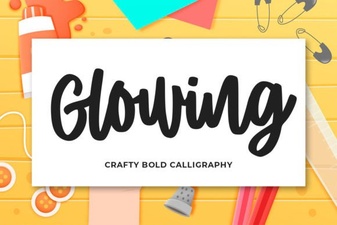 Designing Beautiful Glowing Text Effects
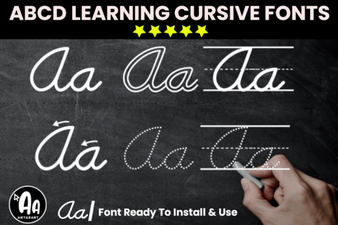 Modern Abcd Cursive Tracing Bundle Font Collection
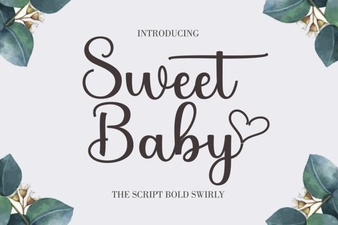 Sweet Baby Font: Design Tips & Download Links
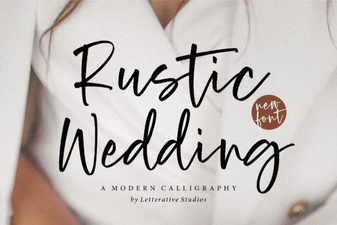 Rustic Fonts for Authentic Wedding Designs