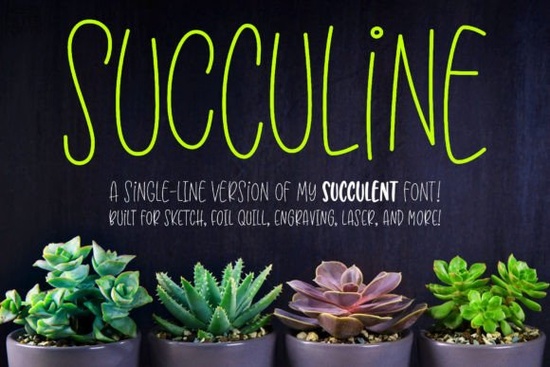
If you have ever tried to use a standard font with a sketch pen or foil quill, you probably noticed the machine tracing the outline of the letters instead of just writing them. That is where the Succuline (single Line) Font comes in handy. Designed specifically for crafting machines and engraving tools, this typeface gives you the fun, bouncy double-uppercase look of the original Succulent design, but formatted as a continuous single line. It is perfect for crafters and small business owners who want hand-lettered results without the tedious manual tracing.
How do single-line fonts differ from regular text?
Regular fonts are built for printing and cutting. They have a defined thickness and a closed outline. When you send a standard font to a cutting machine, the blade or pen follows the outer and inner edges. Single-line and hairline fonts, on the other hand, have no fill. They act like a digital pen stroke. This means your machine will draw the letter exactly as a human would write it, making it ideal for infusible ink pens, embossing tools, and laser engravers. Just remember that because they lack a physical outline, you cannot use them for standard word processing or vinyl cutting.
Which software and machines work best with this font?
This font is highly versatile because the characters are OpenType and PUA-encoded. You can access all the bouncy ligatures and alternate characters easily without needing special software plugins.
For hardware, it works beautifully with:
- Cricut and Silhouette sketch pens
- Glowforge and other laser engraving systems
- Foil quills and embossing styli
If you prefer designing in vector programs like Adobe Illustrator, CorelDRAW, Affinity Designer, or Inkscape, you can use it there too. Simply type your text, apply a stroke with no fill, adjust the stroke weight to make the lines heavier or lighter, and then expand the text to outlines before sending it to your machine.
Why does the font look strange in my computer's preview window?
Do not panic if you open your system's font previewer and the letters look like a messy jumble of overlapping lines. This is completely normal. Operating systems are designed to preview standard filled fonts, so they struggle to render hairline and single-line strokes correctly.
The download actually includes two versions: a single-line format and a hairline format. Different design programs read these formats differently. If you are unsure which one your specific software requires, just install both. The creator also includes a handy PDF guide that walks you through selecting the right version for your specific setup.
What are some good project ideas for bouncy script lettering?
The playful, double-uppercase style of this font is great for adding a personal touch to handmade goods. If you want a more traditional cursive look for a baby shower gift, you might prefer a softer script style instead. But for fun, energetic projects, this bouncy lettering shines.
Here are a few ways to use it:
- Foil quill wedding invitations: Add elegant, single-line foil names to heavy cardstock.
- Custom tumblers: Use a sketch pen to write bouncy names on epoxy-coated cups.
- Wooden signs: Engrave continuous-line quotes on cutting boards or coasters using a laser.
- Apparel tags: Draw infusible ink brand names on the inside neck of t-shirts.
If you ever need a completely different vibe, like a clean minimalist look, exploring a modern boho typeface can give your product line some nice variety. You can also mix and match it with a classic signature style for contrast, or pair it with a neon-inspired design for digital mockups. Finding the right single line script just takes a bit of testing to see what fits your brand best.
Quick setup checklist before you start crafting
Before you send your design to the machine, run through this quick list to avoid wasted materials:
- Check your stroke settings: Ensure your text has a stroke applied and the fill is set to none.
- Verify the font version: Confirm you are using the single-line or hairline version that your specific software recognizes.
- Test on scrap material: Always do a test run on a piece of scrap paper or wood to check the pen pressure or laser depth.
- Expand your outlines: If you are using vector software, remember to expand the text to outlines so the machine reads it as a path, not editable text.
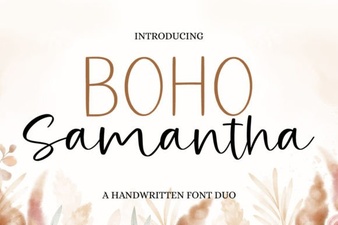 Boho Samantha Font: Styles, Tips & Projects
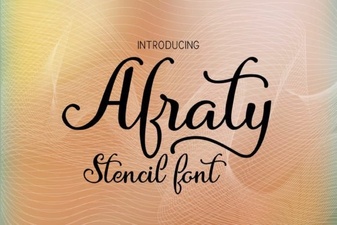 Afraty Stencil Font for Graphic Design Projects
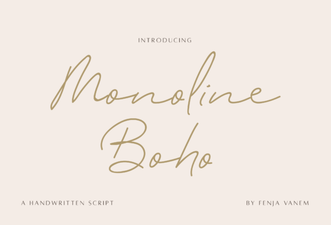 Design with Creative Monoline Boho Fonts
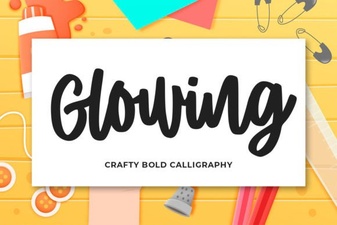 Designing Beautiful Glowing Text Effects
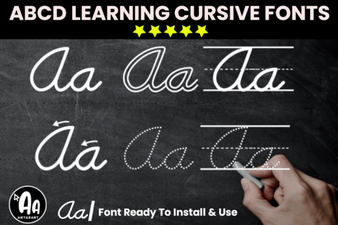 Modern Abcd Cursive Tracing Bundle Font Collection
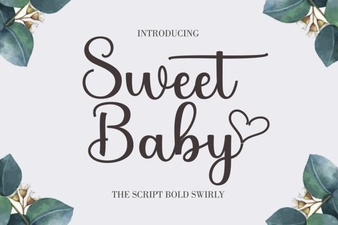 Sweet Baby Font: Design Tips & Download Links